I am not responsible if something goes wrong, while installing a GRUB theme. I have installed all of the following in my system, without any trouble. Proceed with your own responsibility
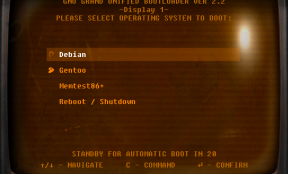
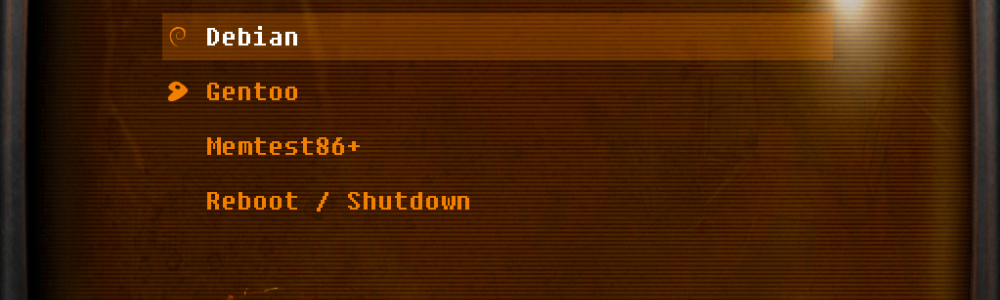
GRUB theming, is the "cherry on the cake" on making a system to your liking. Desktop themes, icon themes, lightDM theme are the ones that most users change. But GRUB... not so many. So to match, my style... dark theme with a touch of orange color, in selections, i chose as my GRUB theme the beautiful CRT-Amber Theme, from here: CRT Amber Grub Theme. It matches 100% my overall theme and style and when the system boots up, it just gives a total different feeling.
Installation
- To install it, copy the entire folder to your /boot/grub/themes directory. You need sudo privileges.
- Edit the /etc/default/grub file with Root permissions and change the:
#GRUB_THEME=line toGRUB_THEME=/boot/grub/themes/CRT-Amber-GRUB-Theme/theme.txt - Run the command: sudo update-grub
- Reboot to see the changes.
That's it...
Another awesome theme, but in green color, is the Fallout one, from here: Fallout GRUB theme. I would love to have the same one, in the above amber colors, which i think it matches better. :)
Even more themes, can be found here, in this Awesome Collection